


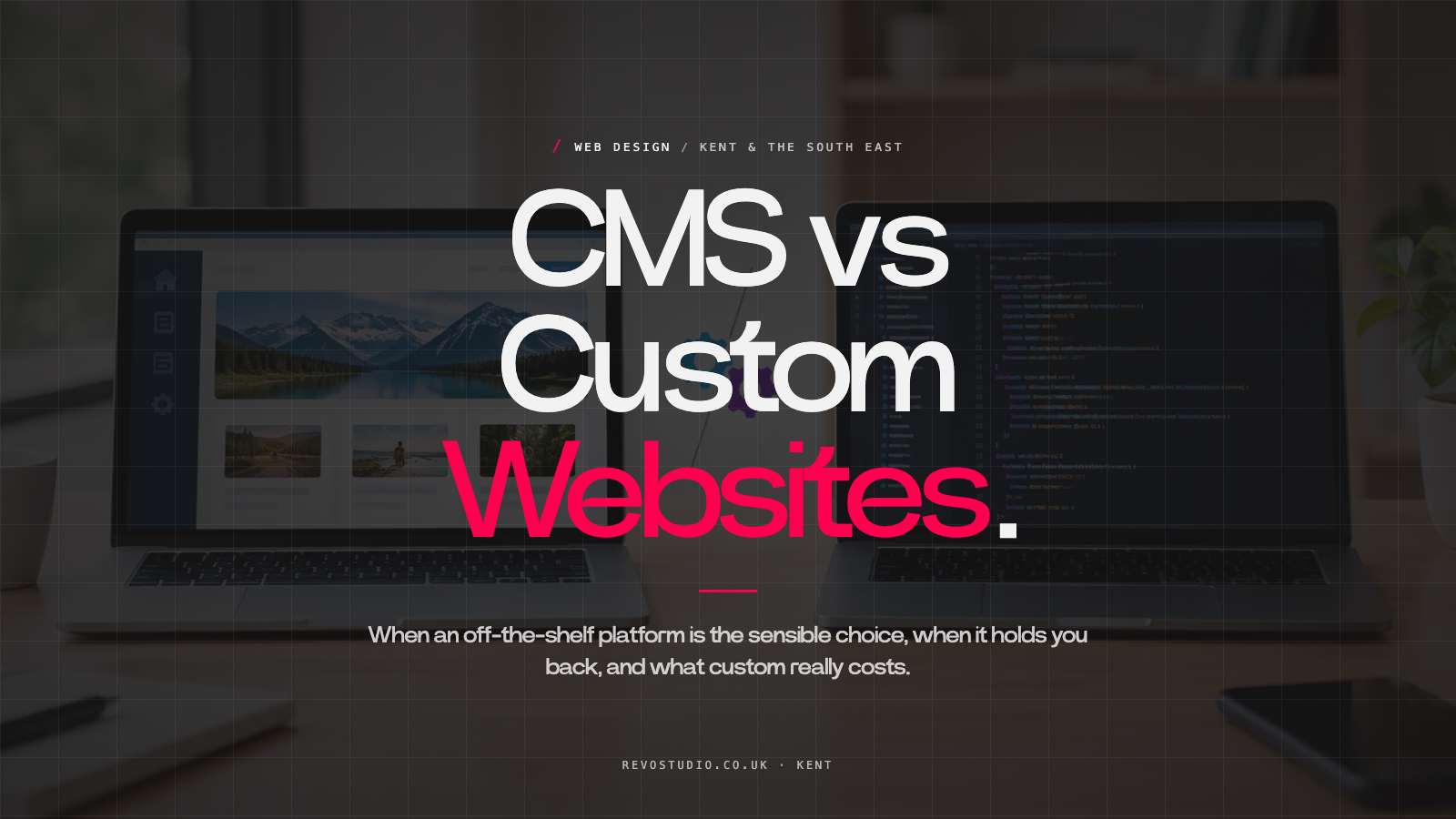
A website that looks fine on launch day can become a costly nuisance six months later. Pages are hard to update, leads go missing, the site feels generic, and every small change means calling a developer. That is why the CMS versus custom websites decision deserves more than a quick comparison of price tags.
For most growing businesses, the real question is not whether to choose a CMS or a custom website. It is how much of the site should be purpose-built around your business, while still being straightforward for your team to manage.
CMS versus custom websites: clear up the confusion
People often use “CMS website” to mean a cheap template and “custom website” to mean a completely coded-from-scratch platform. That is not how it has to work.
A content management system, or CMS, gives you an admin area for editing content. WordPress is the best-known example. It lets you update service pages, publish news, add team members, manage enquiries and, with WooCommerce, run an online shop without touching code.
A custom website is designed and built for your specific brand, customers and commercial goals. It may still use WordPress as the CMS behind the scenes. In fact, for many small and medium-sized businesses, that is the sensible middle ground: a bespoke front end, tailored functionality and a manageable system at the back.
The choice is rarely between “easy but generic” and “powerful but impossible to use”. A well-planned bespoke WordPress build can give you both control and flexibility. No smoke, no unnecessary complexity.
When a CMS is the sensible choice
A CMS is usually the right answer when your website will change regularly. If you need to add projects, update services, publish articles, promote events or alter key information without waiting for a developer, you need a system your team can use confidently.
For a Kent construction firm, that might mean adding completed projects as they happen. For a venue, it could mean updating menus, opening hours and upcoming events. For an ecommerce business, it means managing products, stock, delivery settings and offers without turning each update into an admin headache.
A good CMS also supports long-term search visibility. Search engines respond to useful, well-structured, current content. If publishing a new case study or improving a service page is difficult, it tends not to happen. A manageable CMS removes that excuse.
There is also a practical budget point. Mature platforms have a large ecosystem of reliable tools for forms, security, accessibility support, ecommerce, analytics and more. You do not need to pay to invent common functionality from scratch every time.
That does not mean installing every plugin under the sun. Too many poorly chosen add-ons can slow a site down, create conflicts and leave you exposed when software is not maintained. The value comes from choosing the right tools, configuring them properly and keeping the build lean.
The template trap
A CMS does not automatically produce a good website. Off-the-shelf themes can be useful for very early-stage businesses with a tight budget, but they often come with compromises.
They are made to suit everyone, which usually means they suit no one particularly well. Your brand gets squeezed into pre-set layouts, your customer journey follows a generic pattern, and the site can end up looking remarkably similar to competitors. You may save at the start, then pay later in workarounds, redesigns and missed opportunities.
If your business needs to look credible, different and established, a template is rarely the finished answer.
When a fully custom build earns its cost
There are situations where bespoke development beyond a standard CMS setup makes complete sense. The key is whether your business has a genuine requirement, not whether custom code sounds more impressive.
A fully custom approach may be justified where you need unusual calculations, a customer portal, complex booking rules, integrations with internal systems, a configurator or a high-volume ecommerce process that cannot be handled reliably by established tools.
For example, a manufacturer may need customers to specify dimensions, materials and finishes before receiving an accurate price. A service business might need a secure area where clients can access documents, track jobs or submit information. These are operational tools, not just marketing pages, so the build needs closer technical planning.
Custom development can remove friction and save serious staff time when it solves a real workflow problem. But it comes with responsibilities. The more bespoke the code, the more dependent you may be on the people who built it. Future changes take longer, testing matters more, and support should be planned from day one.
That is not a reason to avoid custom work. It is a reason to be honest about it. Do not commission a Formula 1 car when you need a dependable van for the working week.
The questions that make the decision easier
Start with your business rather than the platform. Think about what the website must achieve in the next two or three years, not simply what it needs to display this month.
Ask who will update the site after launch. If the answer is an office manager, marketing lead or business owner, the admin area must be clear and the editing process must be realistic. A technically clever system that nobody wants to touch is not clever at all.
Then consider the customer journey. Are people simply checking your credibility before getting in touch? Are they comparing specialist services? Do they need to book, buy, configure, request a quote or log in? The more steps involved, the more important it is to map the journey before choosing features.
You should also look at the cost of standing still. A cheaper site that cannot grow with your services, content or sales process is not necessarily cheaper. Equally, a large custom build for a business with a simple offer can tie up money that would work harder in branding, content, photography or SEO.
What good looks like for most SMEs
For many owner-managed businesses, the strongest answer is a bespoke website built on a proven CMS. It gives you a site that looks like your business rather than a recycled theme, while keeping everyday updates within reach.
The design should start with your audience and your offer. What do visitors need to understand quickly? What proof will make them trust you? Where are they likely to hesitate? What is the next sensible action? Good web design answers those questions before it worries about decorative effects.
Behind the scenes, the build should be tidy, fast and easy to maintain. Pages need logical editing controls, forms need to reach the right people, and the foundations should support technical SEO rather than fight it. If you sell online, product management and checkout need to make commercial sense for your team and your customers.
At RevoStudio, this is why bespoke WordPress and WooCommerce builds are often the practical choice. You get the control of a tailored site without being trapped in a system that needs a developer for every new paragraph.
Avoid choosing on price alone
Quotes can look wildly different because they may describe very different jobs. One supplier may be offering a pre-built theme with your logo added. Another may be planning content structure, user journeys, custom design, mobile behaviour, SEO foundations, testing and training. Calling both “a website” hides the difference.
Ask what is included, what is being tailored and what happens after launch. You should know whether you own the finished site, who keeps it updated, what training you receive and how future improvements will be handled. Plain answers are a good sign. Vague promises and mysterious technical language are not.
The best platform is the one that fits your business now, leaves room for sensible growth and does not create needless dependence. Build for the work your website needs to do, then make sure your team can keep it working.

Keep Reading
Related Articles
 Web Design
Best Website Features for Professional Services
The best website features for professional services turn hard-won expertise into enquiries, trust and growth, without creating a maintenance headache.
Read Article Web Design
How to Reduce Cart Abandonment and Sell More
Learn how to reduce cart abandonment with a faster, clearer checkout, better product pages and practical fixes that help UK ecommerce shops sell more.
Read Article Web Design
Website Launch Checklist That Avoids Costly Mistakes
Use this website launch checklist to catch broken journeys, weak content and missed SEO basics before customers and Google see your new site for real.
Read Article